
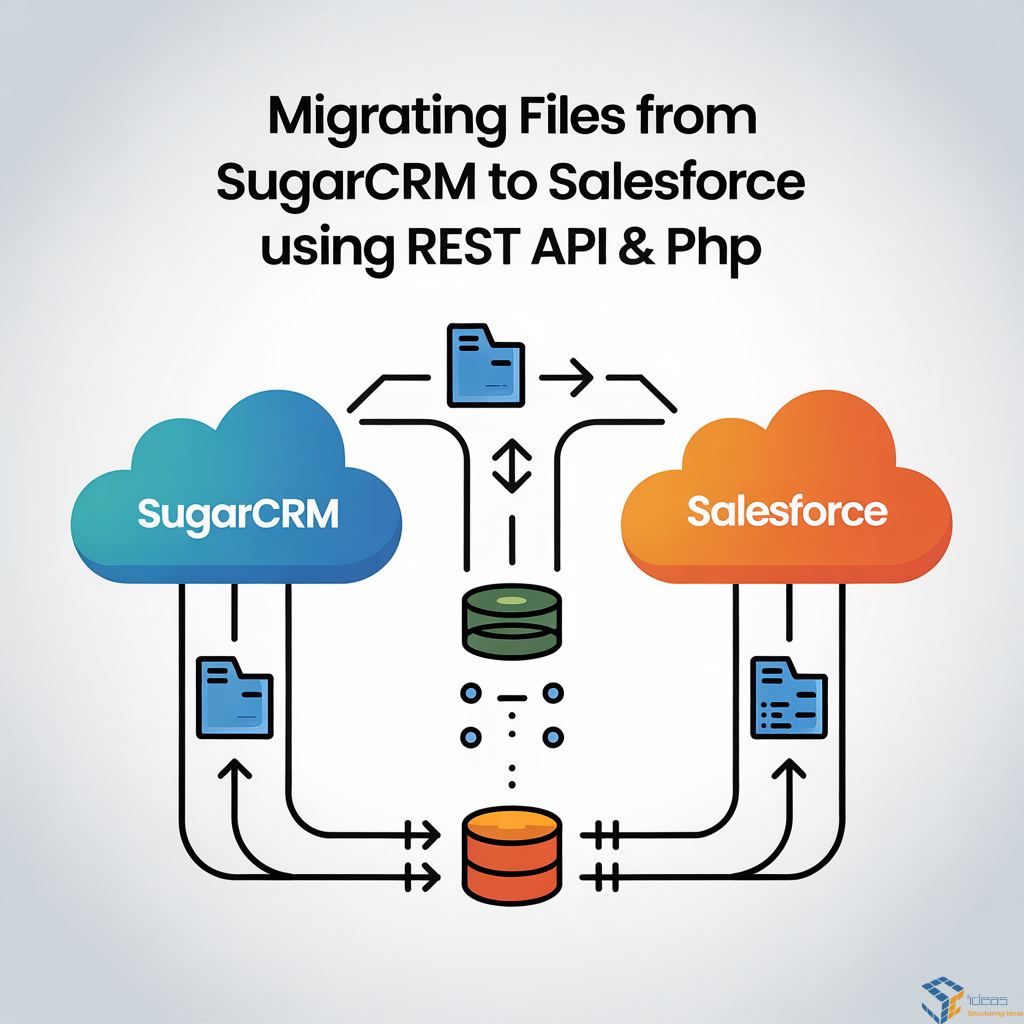
Migrating data is always considered a tough task, but if you have some knowledge of using Rest Api, then it becomes easier to migrate data through a PHP script from the command line interface (CLI) on your server. Suppose you have access to your server. I migrated lots of data from SugarCRM to SF, so I know what kind of difficulty comes with migrating data from SugarCRM to Salesforce.
Migrating data from one object to another is easy compared to migrating files from SugarCRM to Salesforce. Here I am sharing some methods and the curl command. Through this command, you can fetch files from SugarCRM and migrate those files to Salesforce. Here you need to keep one thing in mind: if migrating data from any system to Salesforce directly, it will slow your Salesforce instance; therefore, whenever you think about migrating data into Salesforce, we should use a SharePoint folder to import large data into Salesforce. It will help you to keep the Salesforce instance fast.
I assume you know that the email files are stored in the Notes object in SugarCRM. We will fetch those files from the Notes object through the curl REST Api command. Below is the Curl command through which you can fetch the files easily and migrate those files into Salesforce.
$fileUrl = $sugar_url . "/Notes/{$SugarNotesId}/file/filename";
$chFile = curl_init();
curl_setopt($chFile, CURLOPT_URL, $fileUrl);
curl_setopt($chFile, CURLOPT_RETURNTRANSFER, true);
curl_setopt($chFile, CURLOPT_HTTPHEADER, [
"OAuth-Token: $sugar_token"
]);
$fileContent = curl_exec($chFile);
curl_close($chFile);
Through the above curl API, you can fetch your Sugar file from your server and use it to migrate through the Content Version into Salesforce.
Also, you can include a debug CSV in your PHP script. For this, you can use this:
if ($httpCode !== 200 || !$fileContent) {
echo " File not found for Note $SugarNotesId\n";
fputcsv($logFp, ["$SugarNotesId", "FAILED", "No file in Sugar"]);
}
Here I am sharing the Salesforce endpoint to upload the fetched data into Salesforce. Using this, you can upload the fetched records into the Salesforce object.
$ch = curl_init("$sf_instance/services/data/v64.0/sobjects/ContentVersion");
curl_setopt($ch, CURLOPT_RETURNTRANSFER, true);
curl_setopt($ch, CURLOPT_HTTPHEADER, [
"Authorization: Bearer $sf_token",
"Content-Type: application/json"
]);
curl_setopt($ch, CURLOPT_POST, true);
curl_setopt($ch, CURLOPT_POSTFIELDS, json_encode($sfData));
$uploadResp = json_decode(curl_exec($ch), true);
curl_close($ch);
($sfData) Is the data that you want to migrate into Salesforce? One more thing you need to know. You should not migrate too much data into the SF in one run; you should have migrated the data into batches, otherwise it will throw an error. This is just an overview; you have to keep a lot of things in mind during the migration of the data. If you have any more queries, you can contact us to help. It will always be a pleasure to help you.